



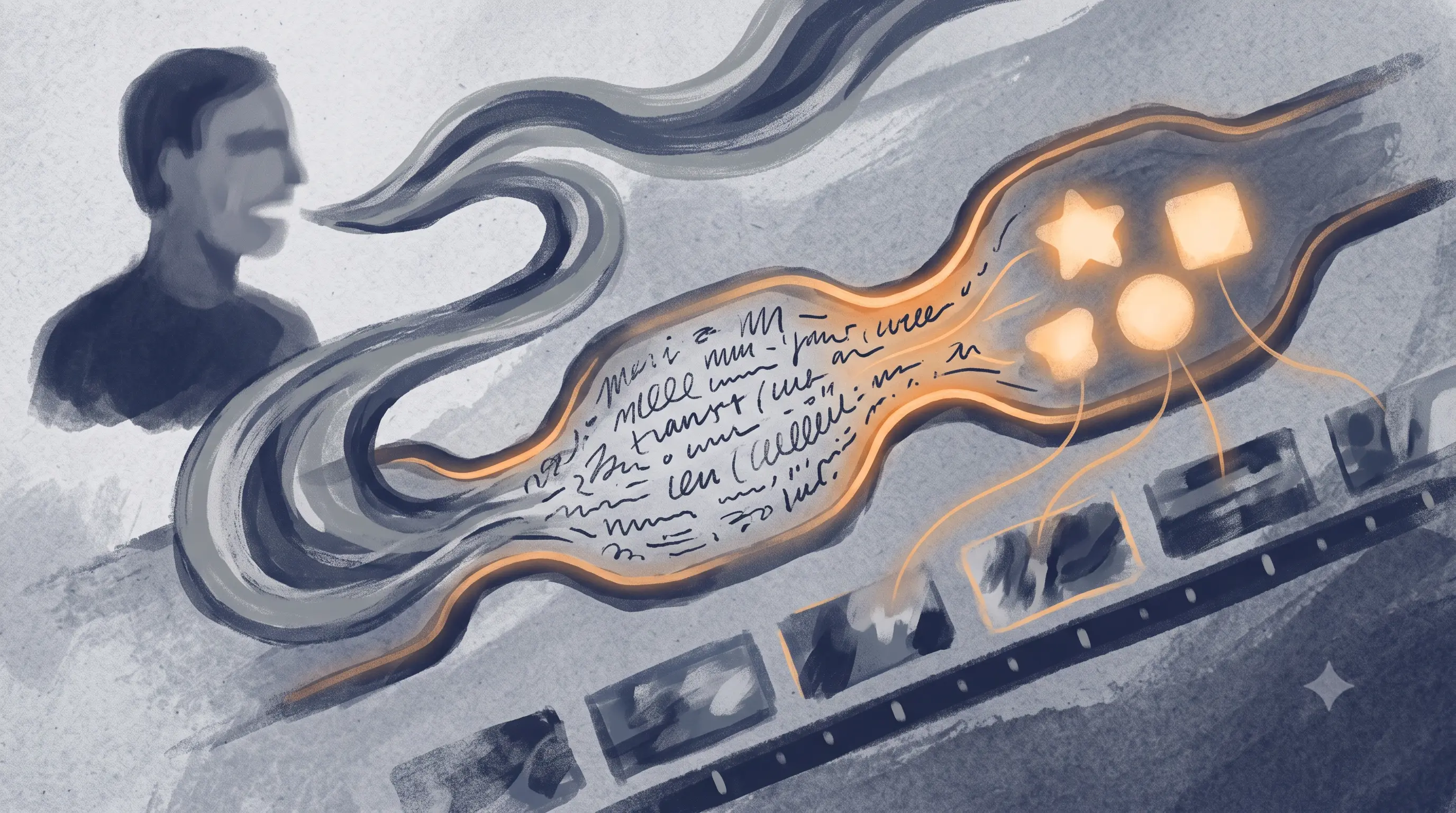
Most explanations of automatic b-roll insertion stay vague on purpose, "our AI understands your content" is doing a lot of unexplained work. The actual mechanism is worth knowing before you trust it with your daily uploads, because it determines exactly where the results will be strong and where they'll misfire.
Automatic b-roll matching is a process that analyzes a video's spoken content and inserts relevant supplemental footage without manual selection. It works by transcribing the audio, extracting keywords or topics from that transcript, then querying a footage library or generation model for visually relevant clips, timed to appear at the corresponding point in the video. Most commonly built on the same underlying transcript that also drives the video's captions.
The Three-Step Pipeline
Step one: transcription. The tool converts your spoken audio into text, the same process that generates captions. This is the foundation everything else depends on, if the transcript is wrong, the b-roll matching built on top of it inherits that error.
Step two: keyword and topic extraction. The transcript gets parsed for concrete nouns, named entities, and topic phrases, things a footage library can actually search against. Abstract concepts, feelings, arguments, opinions, don't map cleanly to visual footage, so this step tends to favor concrete, literal moments in your script over abstract ones.
Step three: matching and placement. Extracted keywords get matched against a footage library, either stock or generated, and the closest matching clips are placed at the timestamp where that keyword occurred in your speech. Placement timing comes directly from the transcript's word-level timestamps, the same data powering your captions.
Why This Explains the Failure Modes
This mechanism explains specific, predictable weak points rather than random misses. Abstract statements without a concrete noun to latch onto often get skipped or matched to a generic, loosely related clip. Fast speech with several concepts packed close together can produce clips that feel rushed or mistimed, since each needs its own placement window. And most importantly for Indian content specifically, if the underlying transcript is wrong because of an accent or code-switching the model wasn't tuned for, the b-roll matching built on that transcript inherits the same error, a mistranscribed word produces a mismatched clip, not a coincidentally-right one.
This is also why b-roll quality is fundamentally downstream of transcription quality, not a separate feature you can evaluate independently. A tool with excellent footage but a transcription model not built for your speech pattern will place that excellent footage in the wrong spots.
Where This Mechanism Works Well
- Concrete, literal scripts, product reviews, tutorials, "how this works" content with specific nouns to match against
- Clear, accurately transcribed audio, since the whole pipeline depends on that first step
- Content where generic supporting footage (a city street, a laptop, a product close-up) genuinely supports the point being made
Where It Struggles
- Abstract, opinion-driven, or emotionally driven speech with few concrete nouns to extract
- Fast-paced speech packing multiple ideas into a short span
- Any content where the underlying transcription itself has errors, from accent, background noise, or code-switching
Frequently Asked Questions
How does automatic b-roll matching actually work?
It transcribes your audio, extracts keywords and topics from that transcript, then matches those keywords against a footage library and places the resulting clips at the corresponding timestamp.
Why does automatic b-roll sometimes place the wrong clip?
Usually because the underlying transcription got that section wrong, or because the script segment was too abstract to map to a concrete visual keyword. The matching step can only work with what the transcript gives it.
Does b-roll matching quality depend on transcription accuracy?
Yes, directly. B-roll placement timing and keyword extraction both come from the same transcript that generates captions, so a transcription error produces a mismatched or mistimed clip.
Automatic b-roll matching works in three steps: transcribe the audio, extract concrete keywords from that transcript, then match and place footage at the corresponding timestamp. This mechanism explains why abstract speech and fast-paced scripts produce weaker results, and why transcription accuracy is the real foundation, a mistranscribed word downstream produces a mismatched clip, not a coincidentally correct one. B-roll quality is fundamentally inherited from transcription quality, not a separate, independent feature.
If your b-roll keeps missing the mark specifically on Hindi, Hinglish, or regional-language content, the transcription underneath it is worth checking first. Test it against one of your own clips and see where the matching actually lands.