



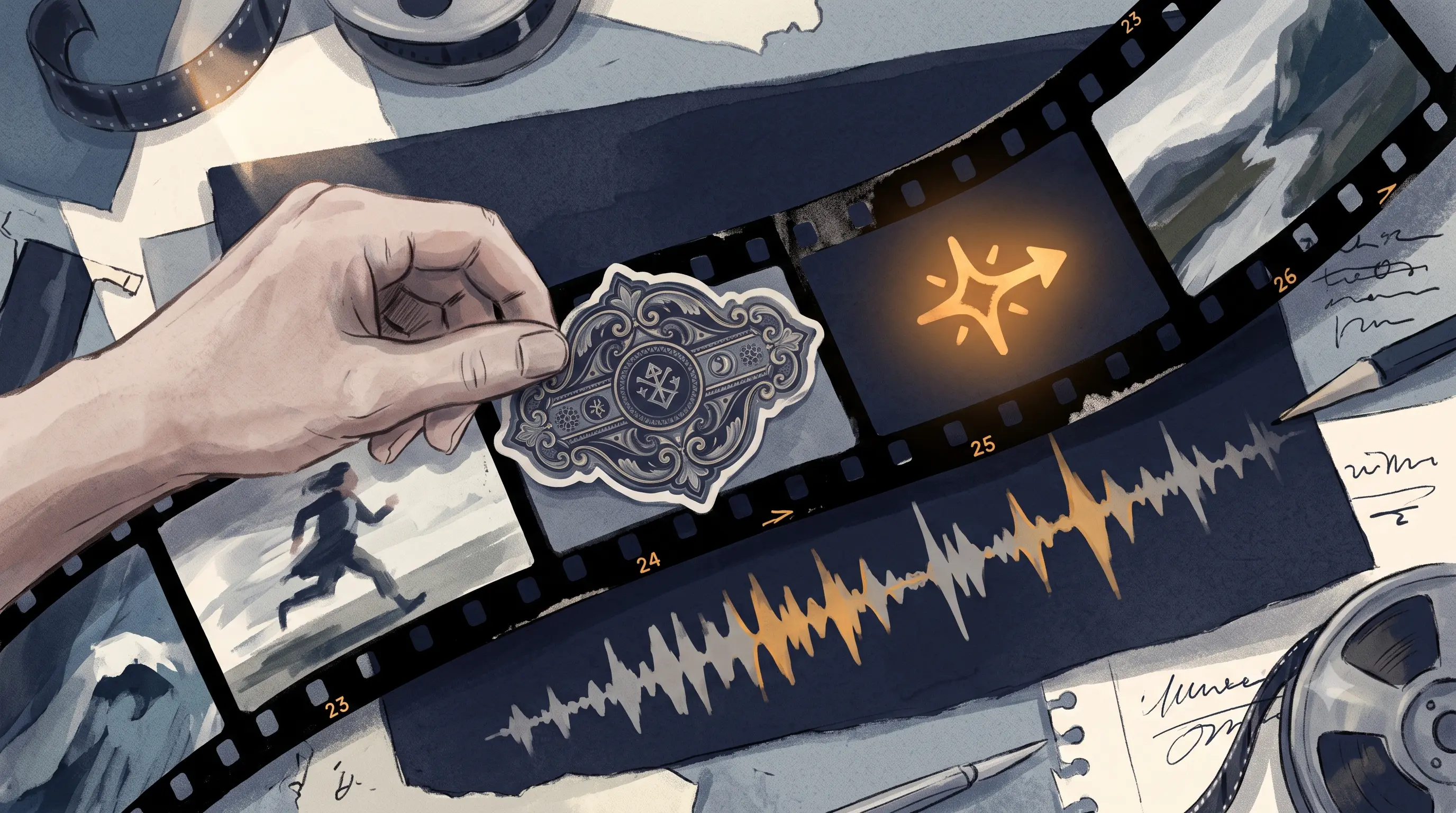
Filmora's AI Sticker Generator solves a real problem: describe a sticker in a prompt, get back a genuinely original design in a style no one else has. It doesn't solve a different problem, getting that sticker to appear at the exact moment you say a specific word, in every video, without redoing the placement work each time.
A generated sticker is a graphic created from a text prompt using AI, producing an original design rather than pulling from a pre-made library. It works by interpreting a text description and rendering a matching image, static or looped. Most commonly still requires manual placement and timing in the final video, generation and placement are separate steps.
What Filmora Gets Right
Filmora's AI Sticker Generator genuinely produces original designs, Realistic, Chibi, 3D, and other styles, from a text prompt, useful if you want a character or graphic that doesn't exist anywhere else. For a brand mascot, a recurring visual bit, or a specific illustrated look, this is real creative control most tools in this category don't offer.
Where the Workflow Breaks Down at Volume
Generation and placement are two separate steps. Filmora creates the sticker image. Getting it into your video, positioned, timed, and resized, still happens manually in the timeline, the same way a Canva-designed sticker does. The AI generation step is faster than designing from scratch, but it doesn't touch the placement work at all.
A new spoken moment means a new generation, and a new placement pass. If you want a sticker that reacts to a different word or moment in each video's specific script, that's a new prompt, a new generation, and new manual placement, every time, not a template that carries forward automatically.
None of this is timed to speech. Even a perfectly generated sticker doesn't know when you said the word it's meant to emphasize. That timing decision is yours to make manually, in every video, regardless of how the sticker itself was created.
Our Pick: ButterCut, Timing Built Into the Captions Workflow
ButterCut doesn't generate custom sticker art. Its speech-timed emphasis lives inside the captions workflow, so timing to spoken words happens automatically, in the same pass that generates your captions, no separate generation or placement step.
The honest trade-off: if you want a fully custom, originally designed sticker character, Filmora's generator gives you creative range ButterCut isn't built to replace. See how the captions and emphasis workflow handles one of your own clips.
Comparison Table
| Feature | Filmora AI Sticker Generator | ButterCut |
|---|---|---|
| Sticker origin | AI-generated from a text prompt, fully custom | Built into captions workflow, not custom-designed |
| Speech timing | Manual, placed and timed by hand | Automatic, timed to spoken words |
| Per-video reuse effort | New prompt and placement for each new moment | Applied automatically across uploads |
| Creative range | High, multiple art styles available | Lower, functional emphasis over custom design |
Where it works
- Custom brand mascots or recurring characters used across many posts unchanged
- One-off, distinctive graphics where design uniqueness matters more than speed
- Occasional posting where the generation-plus-placement time isn't a burden
Where it doesn't
- Daily posting where a new sticker moment is needed for each video's specific script
- Emphasis meant to react to spoken words automatically, not placed after generation
- Teams without design time to spend on sticker work every single upload
Frequently Asked Questions
Does Filmora's AI Sticker Generator time stickers to speech automatically?
No. It generates the sticker image from a prompt, placement and timing in the final video still happen manually, the same as any pre-made sticker library.
Is Filmora's sticker generator worth using for daily Reels?
For a custom, one-off design, yes. For daily posting needing a new sticker moment per video, the generation-plus-manual-placement workflow doesn't scale the way an automated, speech-timed system does.
What's the difference between a generated sticker and a speech-timed one?
A generated sticker is an original design created from a prompt, still placed manually. A speech-timed sticker appears automatically at the moment specific words are spoken, without a separate generation or placement step.
Filmora's AI Sticker Generator produces genuinely original, custom sticker designs from a text prompt, real creative range most tools don't offer. It doesn't automate placement or speech timing, those remain manual steps regardless of how the sticker was created. ButterCut automates timing to spoken words as part of the captions workflow, without offering the same custom design range. The right choice depends on whether design uniqueness or automated timing matters more for your workflow.
If you're spending time generating a new sticker and then manually timing it to your speech in every video, try ButterCut's captions workflow and see what automatic timing looks like without the extra generation step.