



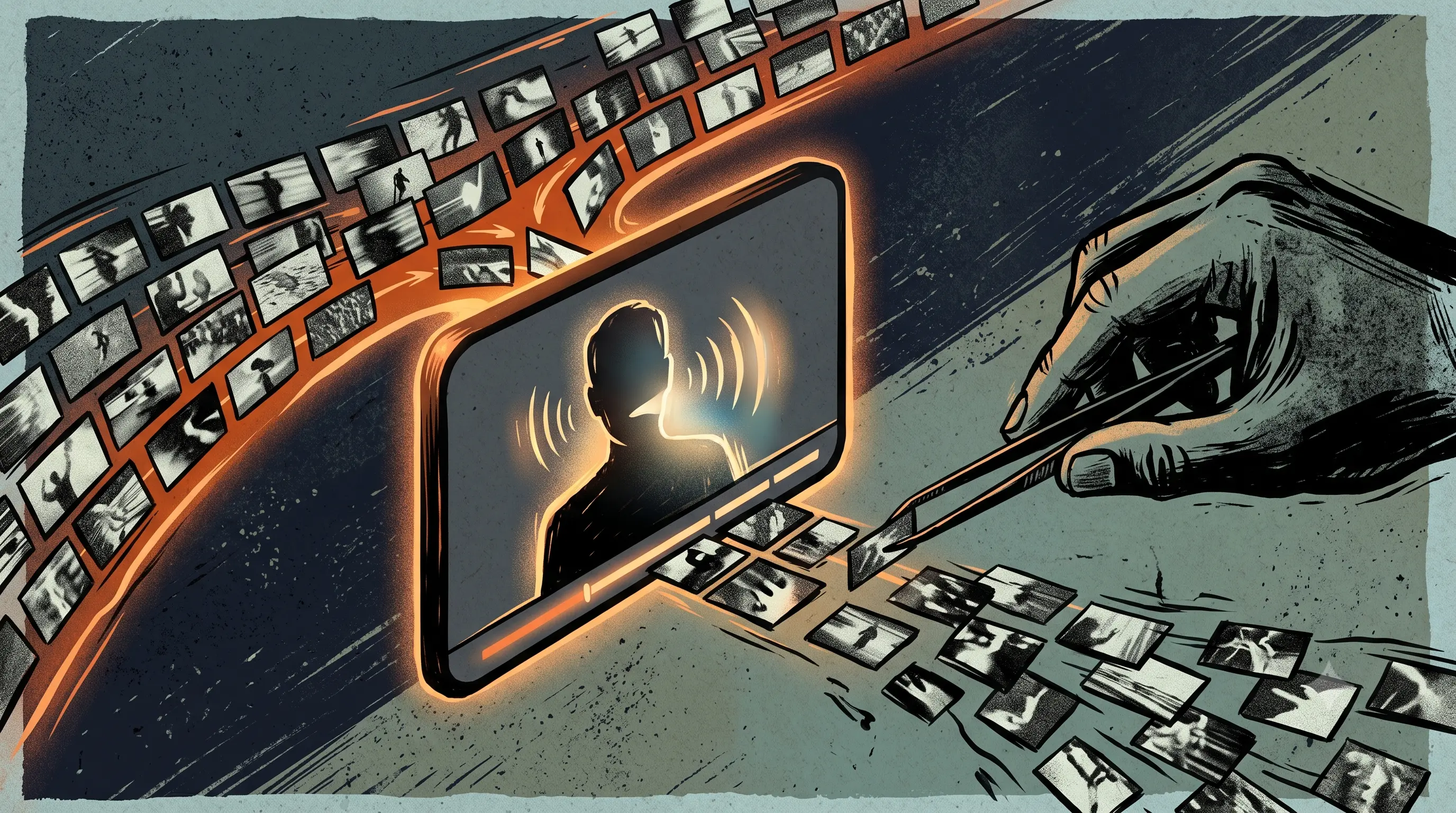
Search "best AI b-roll generator" and you'll find lists ranking Submagic against Runway, Kapwing against Magic Hour, as if they're the same product. They're not. Half those tools read your transcript and place stock footage automatically. The other half generate brand-new video from text prompts you write yourself, one clip at a time. For a talking-head video, that difference decides whether b-roll takes three minutes or forty.
Here's the ranking with that split made explicit, and with a question most lists never ask: does the transcript analysis still work if you spoke Hindi or Hinglish on camera?
An AI b-roll tool is software that adds supplemental footage to a talking-head video automatically. It works either by analyzing your transcript and matching stock or generated clips to what you said, or by generating new footage from text prompts you write per clip. Most commonly used to keep viewers engaged through long talking segments in Reels, Shorts, and YouTube videos.
Research from Wistia's 2025 engagement study found that videos with visual variety maintain viewer attention 2.3 times longer than single-shot videos. For anyone publishing talking-head content daily, b-roll isn't decoration, it's the difference between a watched video and a scrolled-past one.
Our Pick: ButterCut, for Indian Creators and SMBs Posting Daily
If your talking-head content is in Hindi, Hinglish, or a regional language, start here, because transcript-matched b-roll has a dependency most lists never mention: it only works as well as the transcription underneath it. Every automatic b-roll tool on this list begins by transcribing your speech, then matching footage to that transcript. If the transcription garbles your Hindi-English code-switching, the footage matching inherits every one of those errors.
ButterCut's transcription is built specifically around Indian accents and code-switching, covering Hindi, Marathi, Telugu, Tamil, Bengali, Punjabi, and Bhojpuri, which means the b-roll matching layer is working from an accurate read of what you actually said. It also matches footage to your own brand context over time rather than pulling generic stock, and it's built around daily upload cadence rather than monthly processing caps.
The honest trade-off: if your content is in English and you want prompt-level creative control over each generated clip, the generative tools below offer control ButterCut doesn't. The comparison table scores everyone on their real merits. If your language mix is the deciding factor, sign up and test it on one of your own clips.
The Two Kinds of AI B-Roll
Transcript-matched insertion (Submagic, Opus Clip, Kapwing): the tool transcribes your speech, identifies key moments, and pulls matching clips from stock libraries automatically. Fast, hands-off, but you risk generic footage other creators also use.
Prompt-based generation (Runway, Magic Hour): you describe each clip in text and the AI generates original footage. Unique visuals, full creative control, but you're writing a prompt per clip and there's no automatic placement, you're back in a timeline editor doing insertion by hand.
Hands-on testing published by NemoVideo illustrates the gap: automatic transcript-matched b-roll for a 4-minute talking-head video took 3 minutes, versus 38 minutes doing the same job manually. For daily posting, that difference compounds into hours every week.
The Options, Ranked
1. Submagic: fastest transcript-matched b-roll for short-form
Submagic's Magic B-Roll analyzes your transcript and inserts relevant Storyblocks footage in one click, alongside its caption engine. Starter at $19/month (15 videos, 2-minute cap), Pro at $39/month. Best pure speed for English short-form. Its Indic language list covers Hindi, Tamil, and Marathi but skips Bengali, Telugu, Punjabi, and other languages Indian daily content runs in.
2. Opus Clip: best for b-roll on repurposed long-form content
Opus Clip's AI B-Roll sits on the Pro tier ($29/month, 300 processing minutes) and works alongside its clip-detection engine, strongest when your source is podcasts or webinars being cut into shorts. Worth knowing: Ssemble's compilation of Trustpilot data found 22 percent 1-star reviews concentrated on processing failures and credit mechanics.
3. Kapwing: best stock-library depth inside a full editor
Kapwing's Smart B-roll pulls from iStock, Pexels, and Pixabay, and can also generate custom clips using models like Sora and Veo when stock doesn't fit. Runs on a credit system inside a full browser editor, so it suits teams already editing in Kapwing more than creators wanting a one-click pass.
4. VEED: b-roll images, not video, know what you're buying
VEED's Gen B-Roll reads your transcript and places generated visuals at the right moments, but per VEED's own FAQ, the feature currently generates custom images only, not video clips. Several roundups list it alongside video b-roll tools without noting this. Fine for breaking up talking segments visually, not a match if you specifically want moving footage.
5. Runway and Magic Hour: original generated footage, manual placement
Both generate genuinely original video from text prompts, Runway with the most photorealistic output, Magic Hour solving the "everyone uses the same stock clip" problem. Neither analyzes your transcript or places anything automatically. Budget prompt-writing and manual timeline work per clip, and treat these as creative tools rather than workflow automation.
Comparison Table
| Tool | Approach | Automatic Placement | Starting Price | Indic Transcription Depth |
|---|---|---|---|---|
| ButterCut | Transcript-matched, brand-context footage | Yes | Check pricing or sign up | Hindi, Marathi, Telugu, Tamil, Bengali, Punjabi, Bhojpuri |
| Submagic | Transcript-matched, Storyblocks stock | Yes | $19/mo | Hindi, Tamil, Marathi only |
| Opus Clip | Transcript-matched, on Pro tier | Yes | $29/mo for b-roll | Broad, not Indic-specific |
| Kapwing | Stock plus generative, credit-based | Yes | Free tier, Pro from ~$16/mo | Broad, not Indic-specific |
| VEED | Generated images only, not video | Yes | ~$10-35 per seat | Translation-focused |
| Runway / Magic Hour | Prompt-based generation | No, manual | Varies by generation credits | Not transcript-dependent |
Research published by Meta found that 41 percent of video ads are hard to understand without sound, and captions increase average view time by 12 percent. For talking-head content, b-roll and captions do the same job from two directions, keeping a viewer whose sound is off engaged, which is why the tools that do both in one pass tend to win on workflow even when a specialist tool wins on any single feature.
Where transcript-matched tools work
- Daily talking-head Reels and Shorts where speed matters more than footage originality
- Voice-heavy content, tutorials, reviews, explainers, where the transcript carries the meaning
- Creators who want one pass from raw clip to publish-ready output
- Teams standardizing output across many videos without per-clip creative decisions
Where they don't
- Content needing visuals that don't exist in stock libraries, abstract concepts, specific brand scenarios
- Speech in languages the tool's transcription doesn't support, garbled transcripts produce mismatched footage
- Cinematic or high-production work where generic stock undermines the brand
- Silent or music-driven videos with no transcript to match against
Frequently Asked Questions
What's the best AI b-roll generator for talking-head videos?
For automatic placement, transcript-matched tools like ButterCut, Submagic, or Opus Clip. For original generated footage with manual placement, Runway or Magic Hour. The right pick depends on whether speed or footage originality matters more.
Does AI b-roll work for Hindi or Hinglish videos?
Only as well as the underlying transcription. Tools without strong Hindi and code-switching support mismatch footage because they misread the transcript. ButterCut is built specifically for that language mix.
Is AI-generated b-roll better than stock footage?
Generated footage is original but requires per-clip prompts and manual placement. Stock-matched b-roll is faster and automatic but risks looking generic. Most daily creators are better served by automatic matching, with generation reserved for shots stock can't provide.
How much does AI b-roll cost?
Transcript-matched tools run $19 to $39 a month (Submagic, Opus Clip). Kapwing uses credits with a free tier. Generative tools price by generation credits and vary widely with usage.
Can VEED generate b-roll video clips?
Not currently. VEED's own FAQ confirms its Gen B-Roll feature generates custom images only, placed automatically on your timeline, useful, but not moving footage.
ButterCut is the pick for Indian creators and SMBs posting talking-head content daily in Hindi, Hinglish, or regional languages, because transcript-matched b-roll depends entirely on transcription accuracy and ButterCut is built for exactly that language mix. Submagic is fastest for English short-form, Opus Clip fits repurposed long-form, Kapwing offers the deepest stock library, VEED generates images rather than video, and Runway or Magic Hour produce original footage at the cost of manual placement.
If your talking-head Reels run in Hindi or Hinglish and stock-matching tools keep placing footage that has nothing to do with what you said, the transcript is the problem, not the footage library. Start a free ButterCut trial and run one week of your actual content through a pipeline built for that language mix.
Sources
- NemoVideo, hands-on AI b-roll testing, citing Wistia's 2025 engagement research
- Kapwing subtitle statistics roundup, citing Meta's captions research
- Submagic, Magic B-Roll feature page
- Ssemble, Opus Clip review compiling Trustpilot data
- Kapwing, AI B-Roll Generator feature page
- VEED, AI B-Roll Generator page and FAQ